WhatsApp Business is the version of WhatsApp for businesses: a separate, free app with a business profile and tools to answer customer questions faster. For teams and integrations with other systems there is also the WhatsApp Business API. Below you will read what WhatsApp Business is, how it differs from ordinary WhatsApp, what the benefits and drawbacks are and what it costs.
More about WhatsApp for businesses is in our knowledge centre on WhatsApp Business.
What is WhatsApp Business?
WhatsApp Business is a separate app with which businesses message customers from a business account. You register a number belonging to your business, fill in a business profile and use tools such as quick replies and automated messages.
There are two forms:
- The WhatsApp Business app. For business owners and small teams who reply from one phone, possibly with a few linked devices.
- The WhatsApp Business API. An integration without its own app, with which you use WhatsApp in software such as a shared inbox or your CRM.
How to set up WhatsApp Business and what businesses use it for is covered in using WhatsApp for business.
The difference between WhatsApp and WhatsApp Business
The difference between WhatsApp and WhatsApp Business is in the purpose: WhatsApp is for personal contact, WhatsApp Business for contact between a business and its customers.
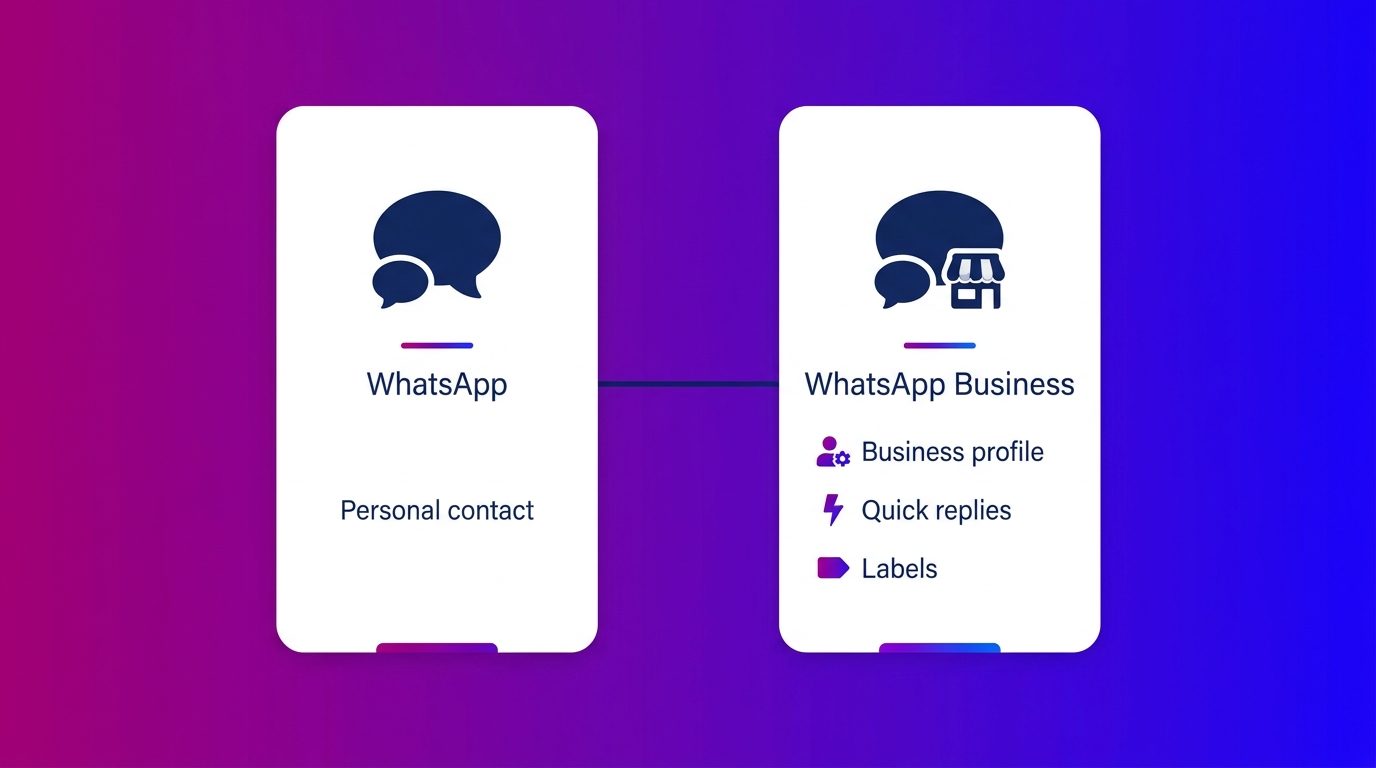
For the customer it feels the same: they simply message via their own WhatsApp. They just see that they are talking to a business.
The benefits of WhatsApp Business
The benefits of WhatsApp Business lie mainly in more professional and faster customer contact, without needing extra software.
- A business profile. Customers see at a glance who you are, what you do and how to reach you (WhatsApp Business).
- Quick replies. Pre-written answers to the questions you get most often, sent with a few taps.
- Automated messages. A greeting for new customers and an away message outside your opening hours (WhatsApp Business).
- Labels. Sorting conversations by status, such as “new enquiry” or “waiting for quote”, so nothing is left lying around.
- A short link. A link to your chat that you put on your website, in your email and on print.
- Separate from personal. Your business conversations are no longer mixed in with your personal chats.
The drawbacks and limitations of WhatsApp Business
The app has limits too, especially as you grow. These are the main drawbacks:
- One shared account. Colleagues work in the same account on a limited number of linked devices, without their own login. Where that limit lies is covered in WhatsApp Business with multiple users.
- No integrations. The app does not talk to your CRM, diary or ticketing system. You transfer details and appointments by hand.
- WhatsApp only. Questions via your website chat or email sit somewhere else.
For integrations, teams and automation you choose the API. When that step makes sense is covered in the WhatsApp Business API.
What does WhatsApp Business cost?
The WhatsApp Business app is free. You pay nothing for the app itself or for the messages you send with it.
With the WhatsApp Business API you pay per delivered message. The rate depends on the type of message and the recipient’s country. Per business number, a monthly allowance of service messages is free (Meta for Developers). On top of that you usually pay for the software with which your team answers the conversations.
When the app is enough, and when it is not
The WhatsApp Business app is enough as long as one or two people answer the conversations and everything stays in one place. At Bconnect we see in automotive and home and living that the tipping point often comes at the same moment: when several colleagues or branches join in, or when leads have to land in the CRM.
From that moment WhatsApp works better as part of your customer contact than as a separate app on a phone. With us, WhatsApp comes in alongside your other customer channels in one inbox, with chat specialists and AI who answer and pass leads to the sales team with the whole conversation.
WhatsApp Business is the logical start for customer contact via WhatsApp
WhatsApp Business is the free business version of WhatsApp, with a business profile, quick replies, automated messages and labels. For most small businesses the app is a good start. If the number of conversations or colleagues grows, or you want integrations with your CRM, you move to the API, where you pay per message. So look not only at what the app can do, but also at how your customer contact needs to be organised a year from now.
Frequently asked questions about WhatsApp Business
What is WhatsApp Business?
WhatsApp Business is a separate, free app for businesses to message customers. It comes with a business profile and tools such as quick replies, automated messages and labels. For teams and integrations there is also the WhatsApp Business API.
What is the difference between WhatsApp and WhatsApp Business?
WhatsApp is meant for personal contact. WhatsApp Business is meant for contact with customers and has a business profile and business tools. For the customer it feels the same, but they see that they are talking to a business.
Is WhatsApp Business free?
The WhatsApp Business app is free to use. If you use the WhatsApp Business API, you pay per delivered message, with a free monthly allowance of service messages per business number.
Can you use WhatsApp and WhatsApp Business on one phone?
Yes, as long as you use a different phone number for each app. Many business owners keep their personal number in WhatsApp and their business number in WhatsApp Business that way.
Can you switch from WhatsApp to WhatsApp Business?
Yes. You can move an existing number from WhatsApp to WhatsApp Business. Preferably do that with a number that belongs to the business, not with an employee’s personal number.
Is WhatsApp Business suitable for small businesses?
Yes, the app is made for small businesses. If you work with more colleagues, several branches or want to connect WhatsApp to your CRM, the WhatsApp Business API is the better fit.